

You’ll need a Granite account to follow along. Sign up free if you haven’t already.
What You’ll Build
By the end of this guide, you’ll have:- Created a process in Granite
- Run an AI agent to execute a task
- Watched the execution in real-time with HITL controls
Prerequisites
- A Granite account
- Chrome or Firefox browser
- 5 minutes
Step 1: Log In
Open Granite
Navigate to app.getgranite.ai
Step 2: Create Your First Process
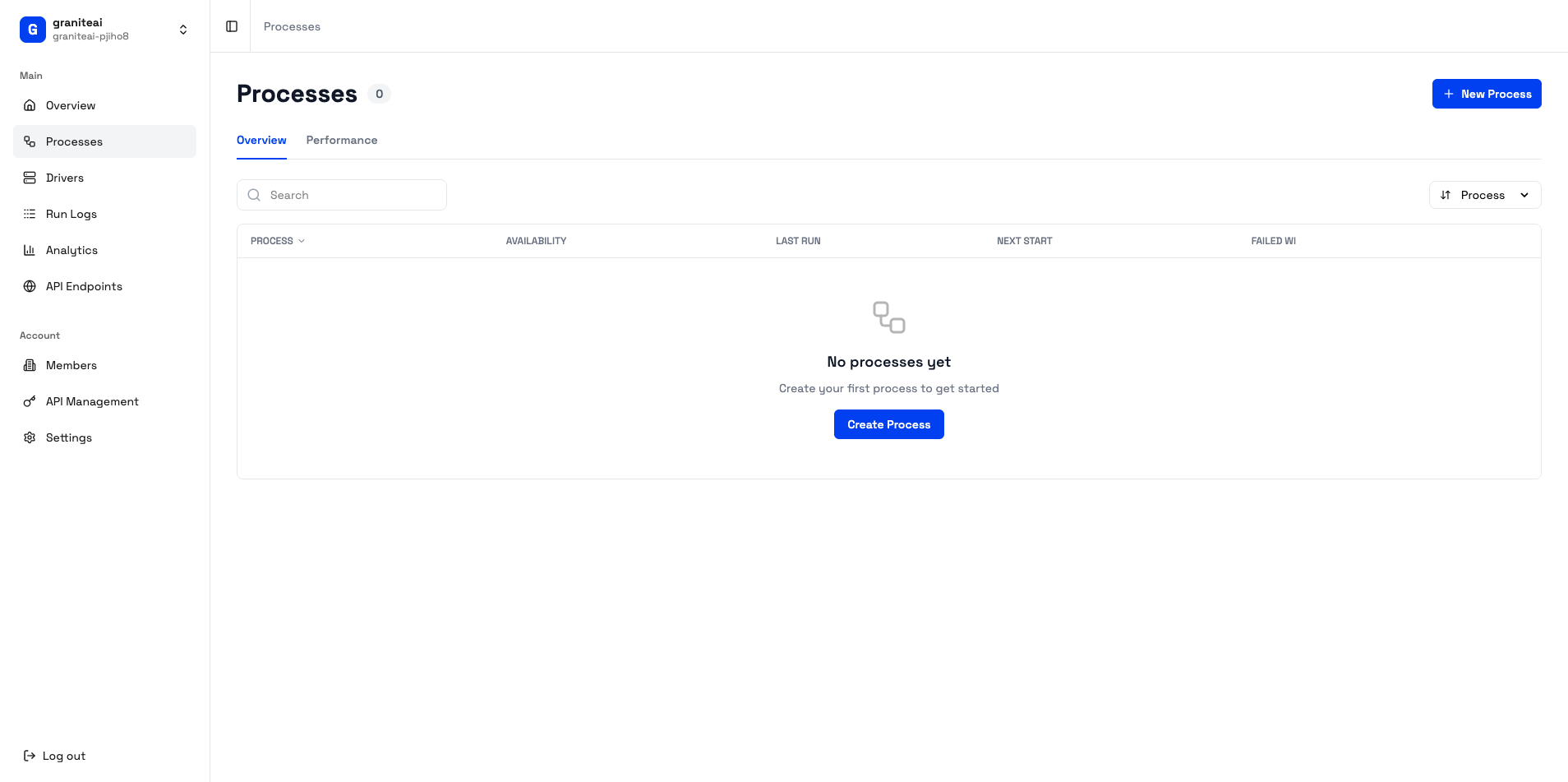
Step 3: Run the Agent
Step 4: Use HITL Controls
During execution, you have full control:Approve
Let the current action proceed
Modify
Change the action before it executes
Skip
Skip the current action
Cancel
Stop the entire execution
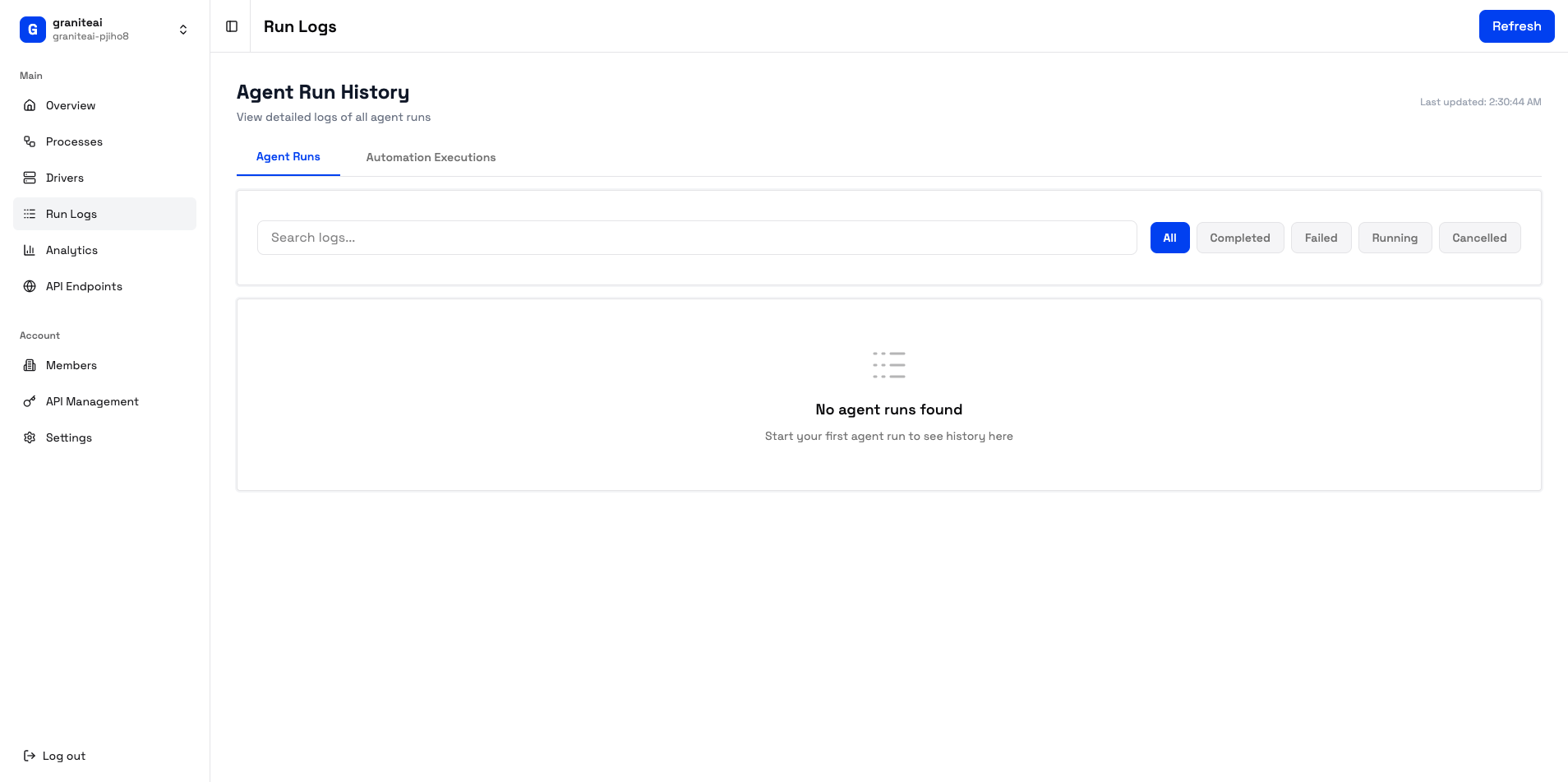
Step 5: View Results
After execution completes:- Check Run Logs to see the full execution history
- View screenshots captured during the run
- Download the recording for review
What’s Next?
Create RPA Scripts
Build repeatable automations with Python
Set Up API Endpoints
Trigger automations from external systems
Learn HITL
Master human-in-the-loop workflows
Explore Analytics
Track your automation performance
Troubleshooting
I didn't receive the magic link email
I didn't receive the magic link email
- Check your spam/junk folder
- Make sure you entered the correct email
- Try again or use Google OAuth instead
The agent isn't executing
The agent isn't executing
- Ensure you have at least one driver machine connected
- Check the Driver Management page for machine status
- Verify the driver is online (green status)
Video stream isn't loading
Video stream isn't loading
- Check your browser allows WebRTC connections
- Try refreshing the page
- Ensure you’re not behind a restrictive firewall